Rewards that follow
real revenue.
Build loyalty programs right in the Invo developer console. Every program is triggered by a real purchase or transfer, so you reward the customers who spend, not just the ones who show up. There is no separate loyalty platform to integrate.
Reward spending, not just showing up.
Most loyalty tools count logins and clicks. Invo programs start from the money events you already run through Invo, then let you layer on the actions that matter to your title or platform.

Triggered by real money
Every program is built on a purchase or a transfer. Progress only moves when a customer actually pays or brings value into your title or platform.

Add the actions you care about
Optionally combine the money step with actions your title or platform reports, such as finishing a chapter, watching a series or completing a profile.

Rewards people want
Give rewards such as gift cards and discount codes. Customers get something real, and you choose what each program pays out.

Campaigns on your schedule
Give each campaign a start date and an end date. Run a launch-week push, a seasonal event or an always-on program from the same builder.

Progress for every customer
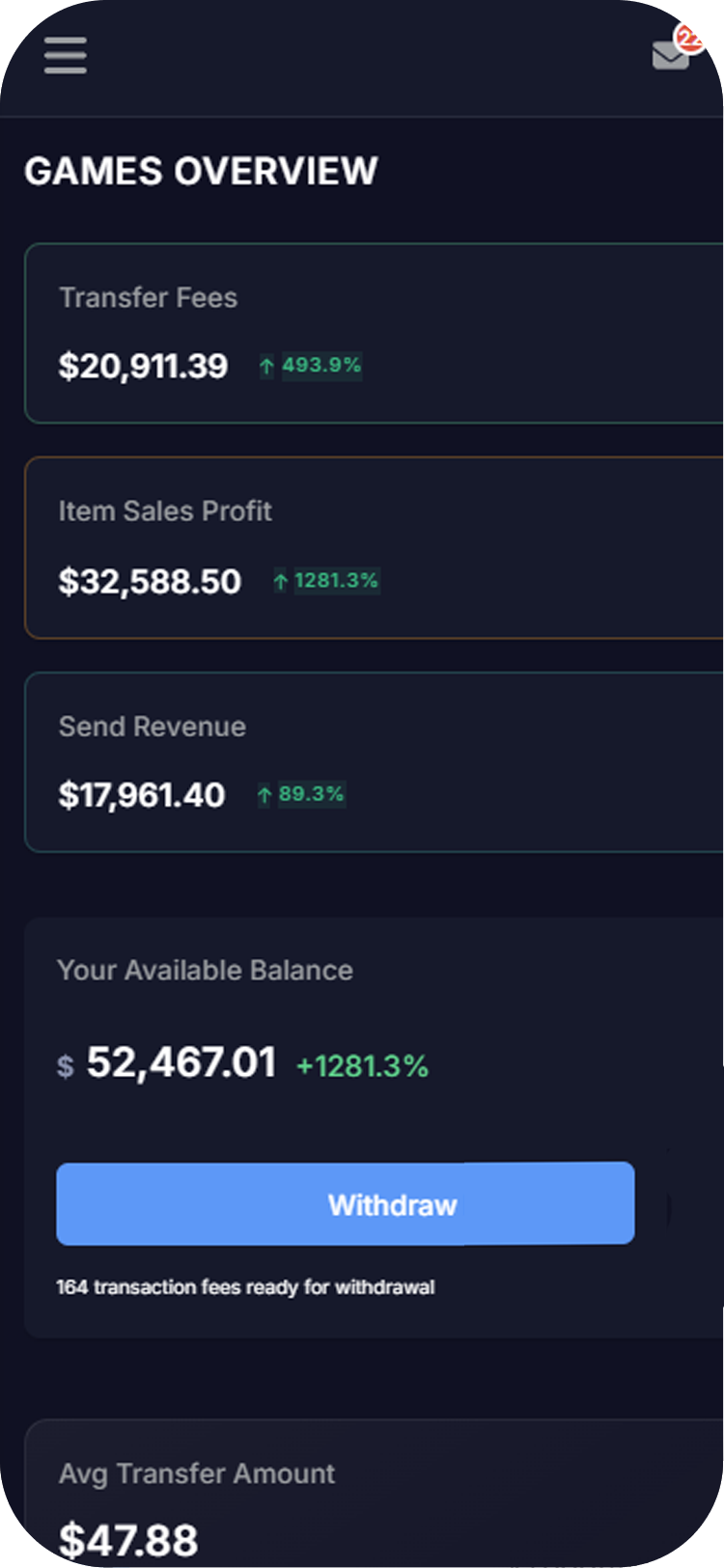
See where each customer stands in each program, so support and community teams can answer “how close am I?” in seconds.

Nothing new to integrate
Loyalty rides on the payments you already run through Invo. No separate loyalty platform, no second vendor and no extra system to keep in sync.
Programs you could build:
Example: make three purchases this month, get a gift card.
Example: transfer into our title for the first time, get a discount code.
Example: buy from the shop during launch week and complete your profile, get a discount code.
These are illustrations only. You choose the trigger, the actions, the reward and the dates for every program you run.

From idea to live campaign in four steps
1. Pick the money step. A purchase or a transfer. Every program starts here.
2. Add actions, if you want. Combine it with events your title or platform reports.
3. Choose the reward and the dates. A gift card or a discount code, with a start and an end.
4. Watch progress. Follow each customer’s progress in the console as the campaign runs.
Part of the same Invo stack
Transfers →
Customers carry spending power between participating titles and platforms, and you earn 3.5% of every transfer into or out of yours. Reward the first transfer in.
Commerce →
Sell items, content and merchandise by card or from a stored coin balance. Reward customers for the purchases they make.
Pricing →
No setup, monthly or integration fee. Card payments on Open are 3.5% + $0.15.
Docs →
Guides and references for the Invo API and the SDKs for Unreal Engine, Unity, Godot, the web and Python, plus a free sandbox to test in.
Launch your first program today.
Open the loyalty builder in your developer console and set up your first campaign around the revenue you already earn.